Radar lights
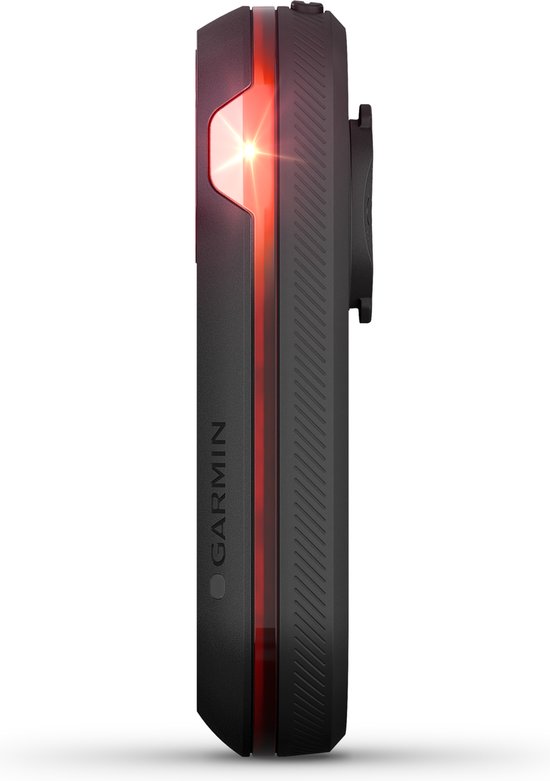
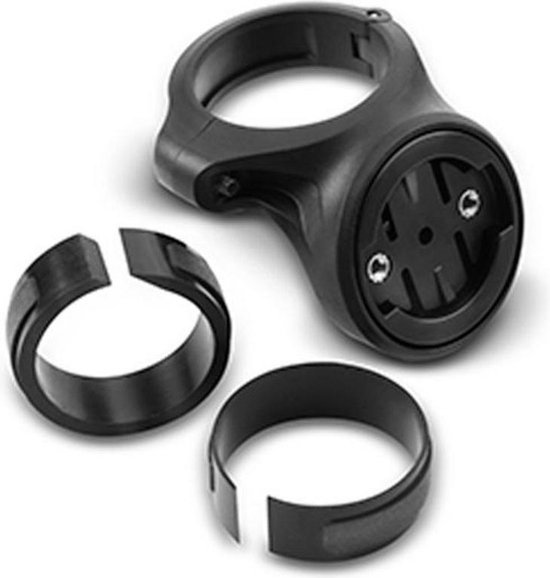
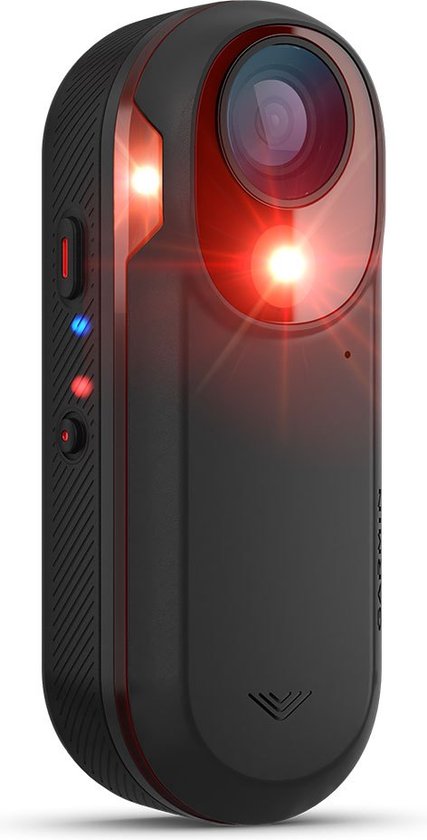
Panmout radarhouder voor Garmin Varia RTL510
A Panmout saddle mount for the Garmin Varia RTL510 radar, letting you attach the radar under your saddle.
What you get
- Mount for Garmin Varia RTL510
- Under-saddle fitting
- By Panmout
Why a radar light?
On a bike, the most dangerous thing is what you cannot see. A radar light looks behind you for you. It measures the distance and speed of approaching traffic, usually up to about 140 metres, and shows an alert on your screen with the number of vehicles and how fast they are closing in.
You notice it most on quiet country roads and on group rides. You know whether you can safely move out to the left, how long your view is clear and when it is better to tuck right on a wide road. Some models also make the light brighter or change its flash pattern when a car approaches, so the driver notices you sooner.
A radar light is still a rear light, with every benefit of one. It typically lasts 6 to 15 hours, depending on the mode. That is shorter than an ordinary light, so the more long rides you do, the more you need to keep an eye on charging.
It detects what comes from behind. It does not see vehicles from the side or riders passing you at very short range, and it can miss a signal at very low speed or on a small bike. It does not replace your own glance over the shoulder.
How a radar light compares with an ordinary rear light
A radar light does more, but asks more of battery and pairing.
| Type | Warns you | Seen from behind | Battery | Note |
|---|---|---|---|---|
| Radar + bike computer | Yes, on the bars, up to about 140 m | High, adapts to traffic | About 6 to 15 hours | Computer must support the system |
| Radar + phone app | Yes, on phone or watch | High | About 6 to 15 hours | Phone must stay on and close |
| Ordinary rear light | No | Good, varies by model | Often 8 to 30+ hours | Simple and light |
| Rear light with brake sensor | No, but it shows when you brake | High, with brake mode | About 6 to 20 hours | Useful in groups and on descents |
Range and runtime vary by model and mode.
Choose it if
- You own an RTL510 and your seatpost does not suit the stock mount.
- You want the radar somewhere other than the seatpost.
- You often ride country roads or out of town, with cars passing at speed.
- You ride alone or in small groups a lot and want to know what is coming up behind you.
Choose something else if
- With another Varia model, pick a mount made for it.
- You mostly ride in town at low speeds, where an ordinary light is enough.
- You do not have a compatible device to show the warning.
How to use a radar light
Charge it
Charge the light fully. The radar uses more power than an ordinary light.
Fit it pointing straight back
Clip it to the seatpost, roughly upright and clear of any saddle bag or jacket. The radar needs a free view of the road.
Pair with your computer or app
Search for the light as a sensor on your bike computer or in the app. Check that the warning appears on screen.
Watch the warning
A bar or colour change shows approaching traffic. Use it as an aid and keep looking around yourself.
Good to know
- Only the RTL510 is named, other models may fit differently.
- Check that your saddle rails leave room for the bracket.
- Check that the light is compatible with your bike computer or app. Not every system works with every device.
- Look at the runtime in the mode you use. With the radar active it is lower than with an ordinary light.
- A radar sees vehicles from behind, not from the side, and not everything at close range. Keep looking yourself.
- Keep the lens clean. Dirt or spray can disturb the detection.
Also in this category
- Garmin Varia RTL515 achterlicht met radar1 shop · bol€170.99
- Garmin Varia radarachterlicht (Amazon.com.be en Amazon.nl)2 shops · Amazon.nl, Amazon.com.befrom €172.80
- Garmin Varia Radar achterlicht zwart1 shop · bol€24.00
- Garmin Varia RTL516 radarachterlicht2 shops · Amazon.nl, Amazon.com.befrom €173.05
- Garmin Varia RCT716 radar met camera en licht2 shops · Amazon.nl, Amazon.com.befrom €342.81
- Garmin Varia RCT715 radarachterlicht met camera1 shop · bol€379.00